AI-generated editorial illustration; not a contest entrant or winner.
Taking Baby Photos with Your Phone: Practical Tips for Parents
Simple, practical tips for taking better baby photos with your phone. Suggestions for lighting, focus, and capturing those special moments.
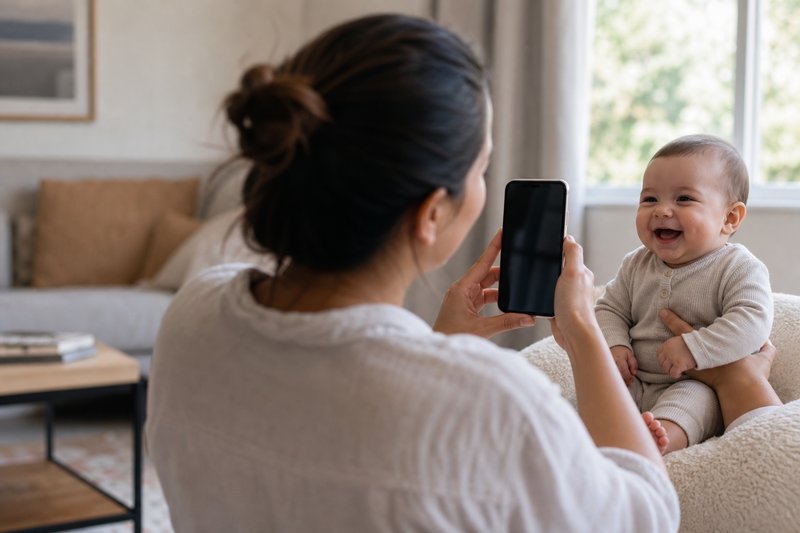
Most of us take baby photos with our phones. Here are some practical tips that might help you get better results.
Lighting Makes a Big Difference
Window Light is Your Friend
Natural light from windows usually looks better than indoor lighting. Try positioning your baby near a window during the day.
Turn Off Overhead Lights
Indoor lights can create an orange/yellow tint. When using window light, try turning off overhead lights for more natural colors.
Avoid Direct Sunlight
Harsh direct sunlight creates shadows. Indirect or diffused daylight usually works better.
Getting Good Focus
Tap to Focus
On most phones, tapping on your baby's face tells the camera where to focus. Do this before pressing the shutter button.
Hold Steady
Keep your phone as steady as possible. Brace your elbows against your body or rest them on something stable.
Take Multiple Photos
Babies move quickly! Take several photos to increase your chances of getting a clear shot. You can delete the extras later.
When to Use Portrait Mode
Portrait mode (the blurred background effect) can look great, but it works best when:
- Your baby is relatively still
- There's good lighting
- Your baby's face is clearly defined
If the effect looks weird (especially around hair), try regular photo mode instead.
Timing Tips
After Naps
Babies often photograph well when they're well-rested. Right after a nap can be a good window before they get hungry.
During Calm Activities
Tummy time, bath time, or other calm activities can provide good photo opportunities.
Be Ready
Keep your phone handy for spontaneous moments—those often make the best photos.
Dealing with Phone-Grabbing Babies
Older babies often want to grab phones. A few approaches that might help:
- Stand farther back and crop the photo later
- Have someone else get baby's attention while you shoot
- Use burst mode for quick captures
- Try when they're focused on a toy or activity
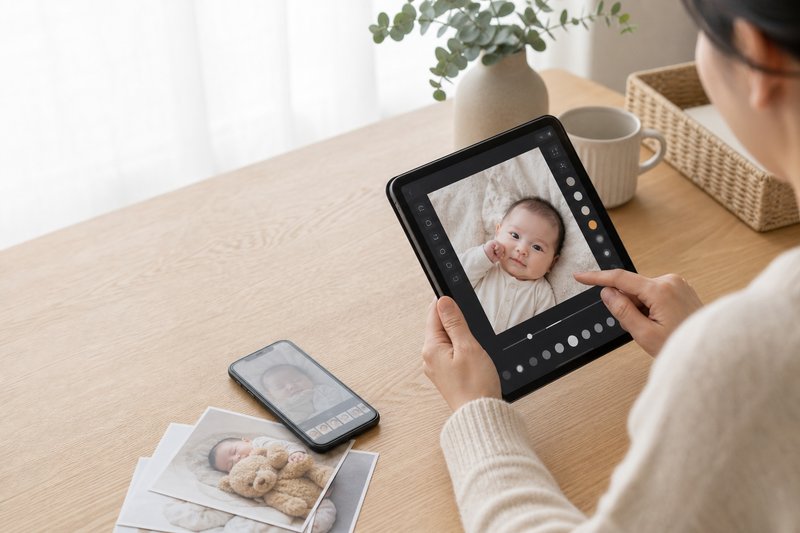
Simple Editing
Most phone photo editors let you make quick improvements:
- Brightness: Increase slightly if photo is too dark
- Crop: Adjust framing to focus on your baby
- Straighten: Fix tilted photos
Keep edits subtle—you want your baby to look natural.
Common Issues
Photos Look Yellow
This usually means you're shooting under indoor lights. Move closer to a window and turn off overhead lights.
Photos Are Blurry
Try holding your phone steadier, tapping to focus before shooting, or taking photos in brighter light.
Baby Won't Look at Camera
That's okay! Photos where babies are looking at toys or exploring often have a lot of personality. Not every photo needs direct eye contact.
Quick Checklist
- ☐ Near a window for natural light
- ☐ Overhead lights turned off
- ☐ Tapped to focus on baby's face
- ☐ Clean face (no food residue)
- ☐ Simple background
- ☐ Taking multiple shots
The Most Important Thing
Don't stress too much about perfect photos. The goal is to capture memories of your baby at this stage. Even "imperfect" photos become treasured memories.
Experiment with these tips and find what works for you and your baby. Every situation is different, and practice helps!
Happy photographing! 📱
Disclaimer: Photography tips are for entertainment and general guidance only. Never compromise your baby's safety, comfort, or supervision for a photo. For health-related concerns (sun exposure, allergies, props), consult your pediatrician.
Your Baby Could Be Our Next Winner!
Cash Prize in monthly prizes • FREE entry • Real winners • Optional paid votes