AI-generated editorial illustration; not a contest entrant or winner.
Baby Photo Editing Apps: Choose the Tools You Actually Need
Compare built-in photo editors and Snapseed for simple baby-photo edits, with official guides, privacy checks, and a practical save-a-copy workflow.
A slightly dark baby photo does not necessarily need a new app. Start with the editor already on your phone, make one small change, and compare it with the original. The right baby photo editing apps are the ones that solve your actual problem without making the picture harder to recognize.
This is a guide to choosing tools, not a hands-on product ranking. App features, prices, and device support change. Check the provider’s current documentation and store listing before downloading or subscribing.
Start With the Editor You Already Have
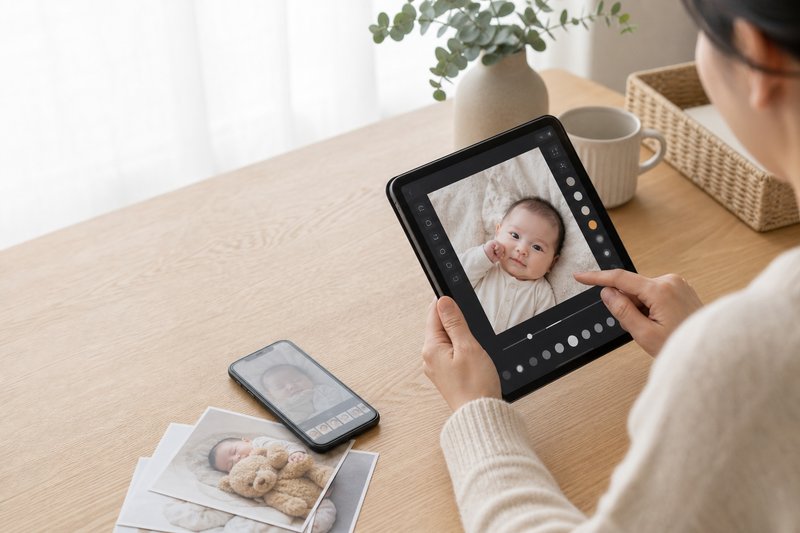
For a small crop or lighting adjustment, an existing editor is a sensible first stop. On an iPhone, Apple’s Photos guide explains its editing controls. For Google Photos, use the official editing guide and select your device; available tools can differ between the app and the web.
Try the basic controls before an automatic enhancement. Raise brightness only as much as needed to see the face, straighten an accidental tilt, and compare the result. If the original looks more like your child, undo the change.
Consider Another App for a Specific Missing Tool
If you want more control, read the tool list rather than relying on a “best for parents” label. Snapseed’s official tools and filters guide describes its adjustment workflow and before-and-after comparison. Check the version available for your device instead of assuming every tutorial shows the same screen.
Before installing any editor, name the one thing you cannot do now. Is it a more precise crop, a smaller color correction, or a particular export option? If you cannot identify the missing function, you may already have what you need.
Check Privacy Before Importing a Photo
Review the permissions, account requirements, cloud-processing terms, and deletion controls. Grant access only to the photos you intend to edit when your device offers that choice. A private editing task should not accidentally become a public gallery post.
Features that generate a new face or background may upload or transform the image in ways a simple crop does not. Read their terms before using them with a child’s photograph. Keep an unedited original outside the app.
A Short Editing Routine
- Choose the original file. Avoid starting with a screenshot or a copy saved from a messaging app when the original is available.
- Crop for the intended use. Leave room around heads, hands, and feet; a print or profile card may need a different shape.
- Adjust light gently. Check that facial detail remains visible and bright areas have not become featureless.
- Compare color. A warmer image is not automatically better. Keep the child’s skin tone recognizable.
- Save a separate copy. Check the exported size and keep the original for another crop later.
Know What Editing Cannot Promise
Brightness cannot recover every detail from a badly exposed photo. Sharpening cannot reliably restore the exact expression lost to motion blur. If an enhancement invents detail, it may produce an attractive image without producing an accurate record of that moment.
For a contest, read the current image rules before editing or submitting. Do not assume a filter, background replacement, or AI tool is permitted because an app offers it. Our baby photo editing guide explains a restrained approach to everyday adjustments.
Make One Useful Edit and Stop
Try the routine on a single photo. View the result at normal phone size, compare it with the original, and ask whether the adjustment makes the moment easier to see. If it does, save the copy. You do not need to install a collection of apps to finish one good picture.
Your Baby Could Be Our Next Winner!
Cash Prize in monthly prizes • FREE entry • Real winners • Optional paid votes